
Appearance
PeachGrove Admin & Visual Editor — User Guide
This is the end-user documentation for PeachGrove Admin, the back-office panel used to manage this website's content, and the Visual Editor, which lets you edit page content directly on the live page.
What's what
- PeachGrove Admin is the dashboard you sign in to at
/admin— pages, media, templates, users, and settings all live here. - Visual Editor is the toolbar and editing outline that appears on a page itself when you're signed in and viewing it in draft or edit mode — this is where you actually add and arrange content.
Signing in
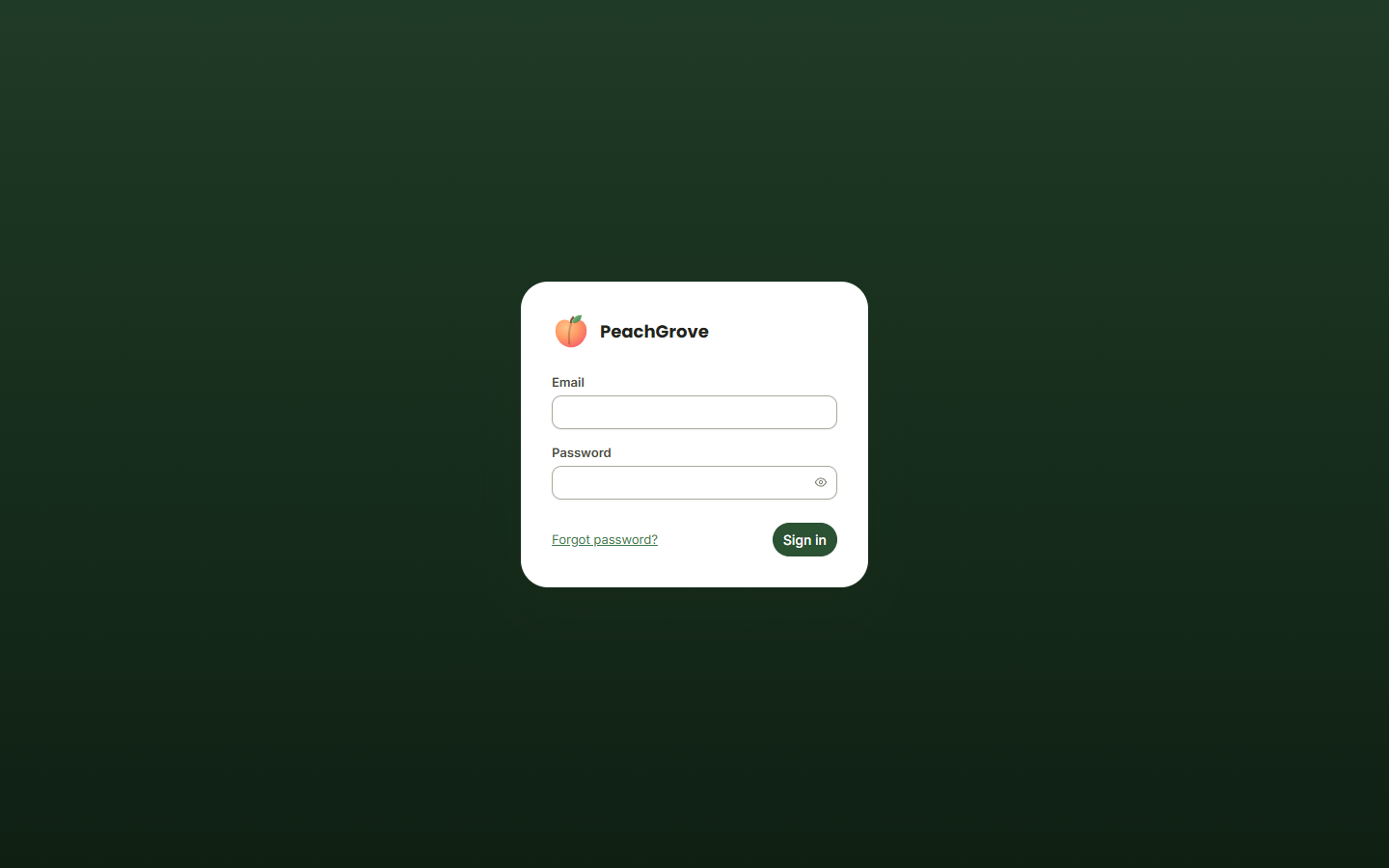
Go to /admin on your site. If you don't have an account yet or forgot your password, see Getting Started.
Guide contents
PeachGrove Admin
- Getting Started — signing in, forgotten passwords, first-run setup
- Dashboard Overview — the landing page and navigation
- Managing Pages — the pages list and directory structure
- Page Templates — previewing templates, viewing source, editing via Azure DevOps
- Custom Entities — managing structured content like events and posts
- Media Library — images and documents
- Users & Roles — managing who can access the admin panel
- Settings — site-wide configuration
- My Account — your own profile and password
Visual Editor
- Visual Editor — editing content directly on a page: the toolbar, adding and arranging blocks, Rich Text editing, and images
Screenshots throughout this guide are taken from a demo site and use placeholder content and stock photography — your own pages, images, and users will look different.