
Appearance
Getting Started
Signing in
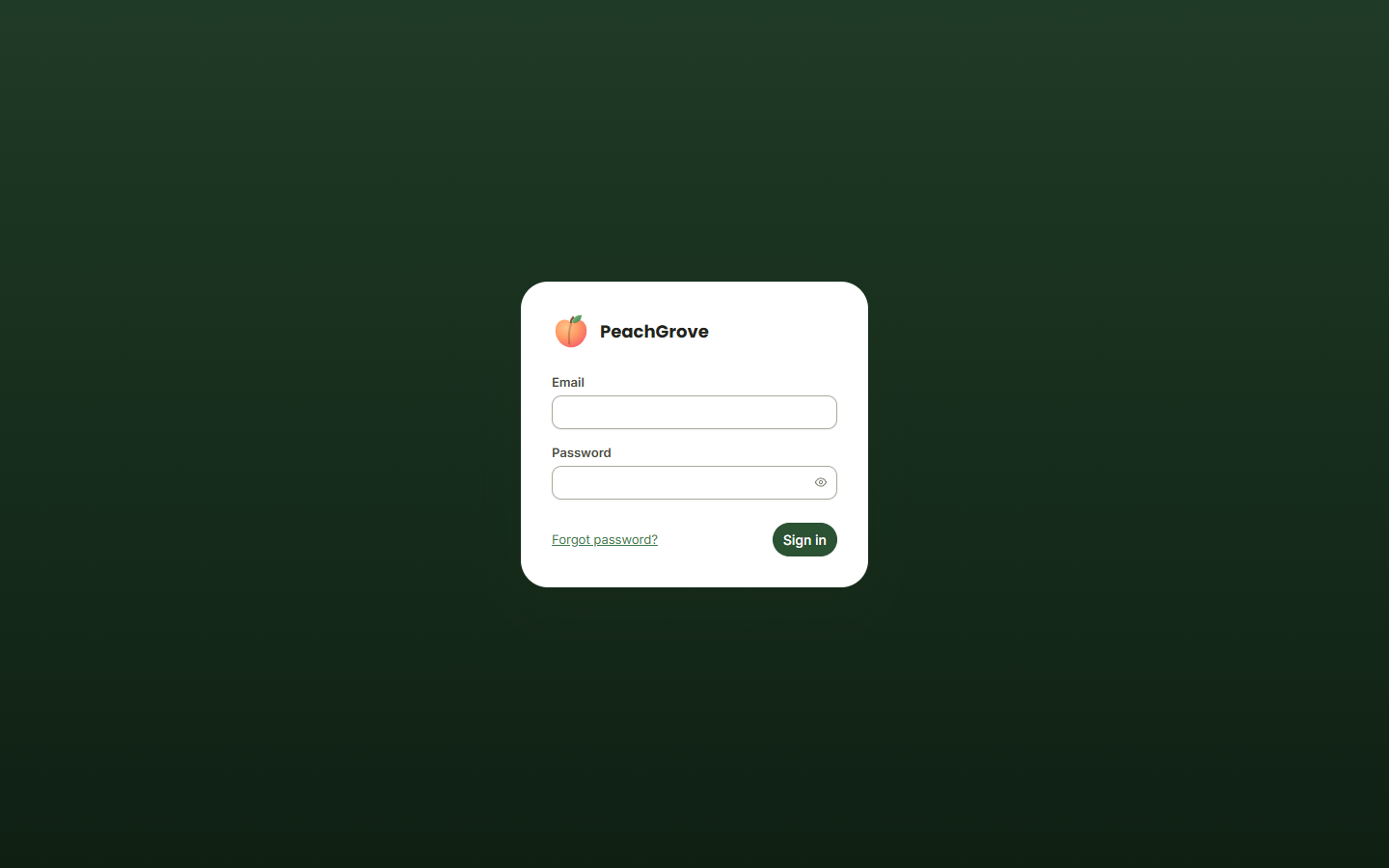
Go to /admin on your site and sign in with your email and password.
Forgot your password?
Click Forgot password? on the sign-in screen, enter your email address, and submit.
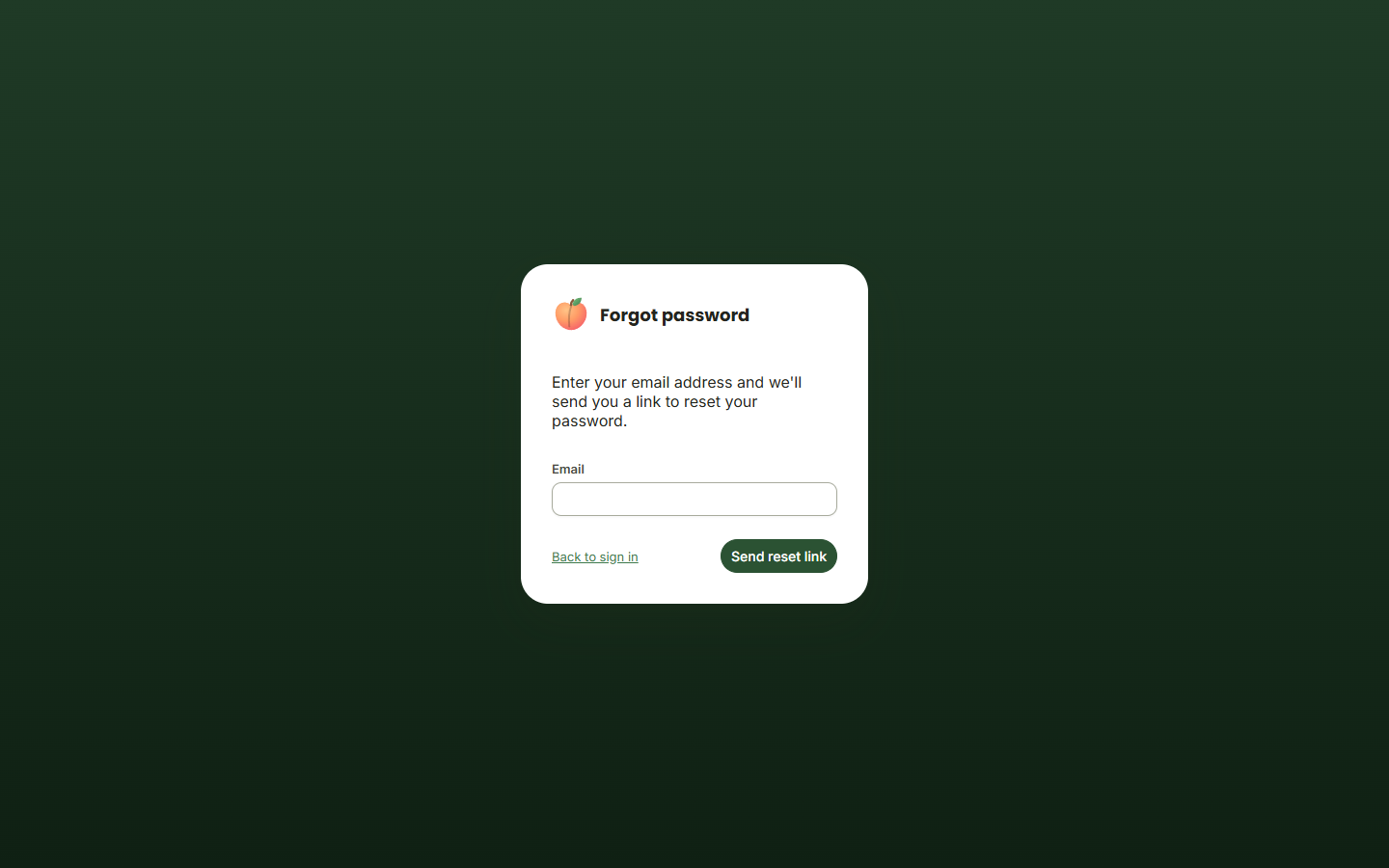
If an account exists for that email, you'll receive a link to set a new password. The link expires after a period of time — if it's stopped working, just request a new one.
First-time setup
If this is a brand-new site with no accounts yet, visiting /admin walks you through a one-time setup wizard to create the first administrator account instead of showing the sign-in screen. Once that account exists, every future visit to /admin goes to the normal sign-in screen above.
Changing your password
Once signed in, you can change your password any time from My Account — see My Account.