
Appearance
Custom Entities
Custom entities are structured content types your site defines beyond ordinary pages — things like calendar events, blog posts, or products. Each type your site has configured gets its own nav item under Content in the sidebar (for example, "Calendar Events").
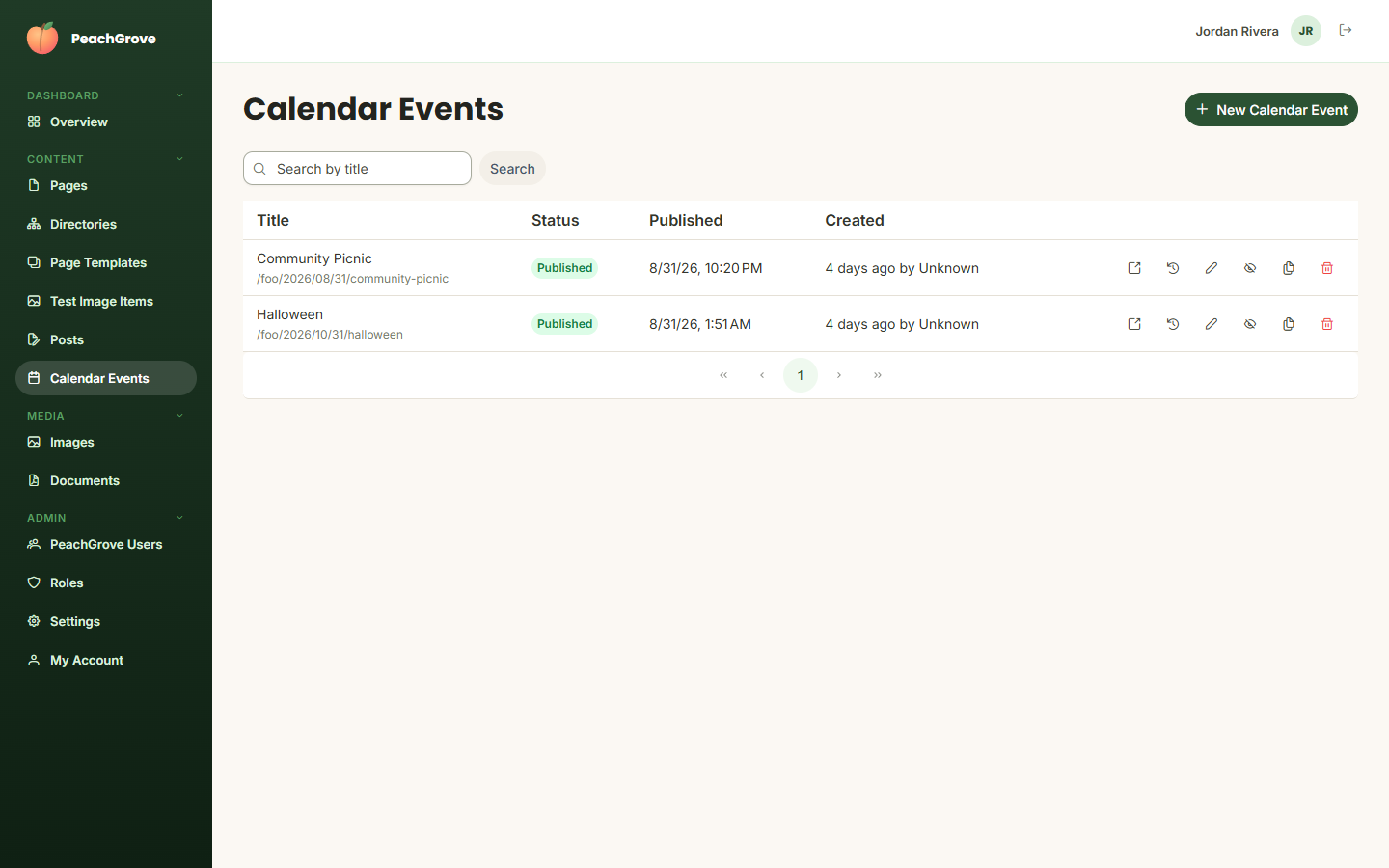
The list works like the Pages list: title, status, publish date, and creation info, with quick actions to open, view history, edit, unpublish, duplicate, or delete each item. Click New [Entity Name] to create one.
Each custom entity type defines its own set of fields to fill in when creating or editing an item — these vary by entity type and are configured by your developers, so refer to your site's own documentation or ask your development team what each field controls if it isn't self-explanatory.
Custom entities that have a detail page (like a calendar event's own page) use a page template marked "CustomEntityDetails" — you can preview that template rendered with one of your real entries from the Page Templates screen.