
Appearance
Media Library
Images
Images is the site's image asset library — every image available to use in page content, blocks, or elsewhere goes through here first.
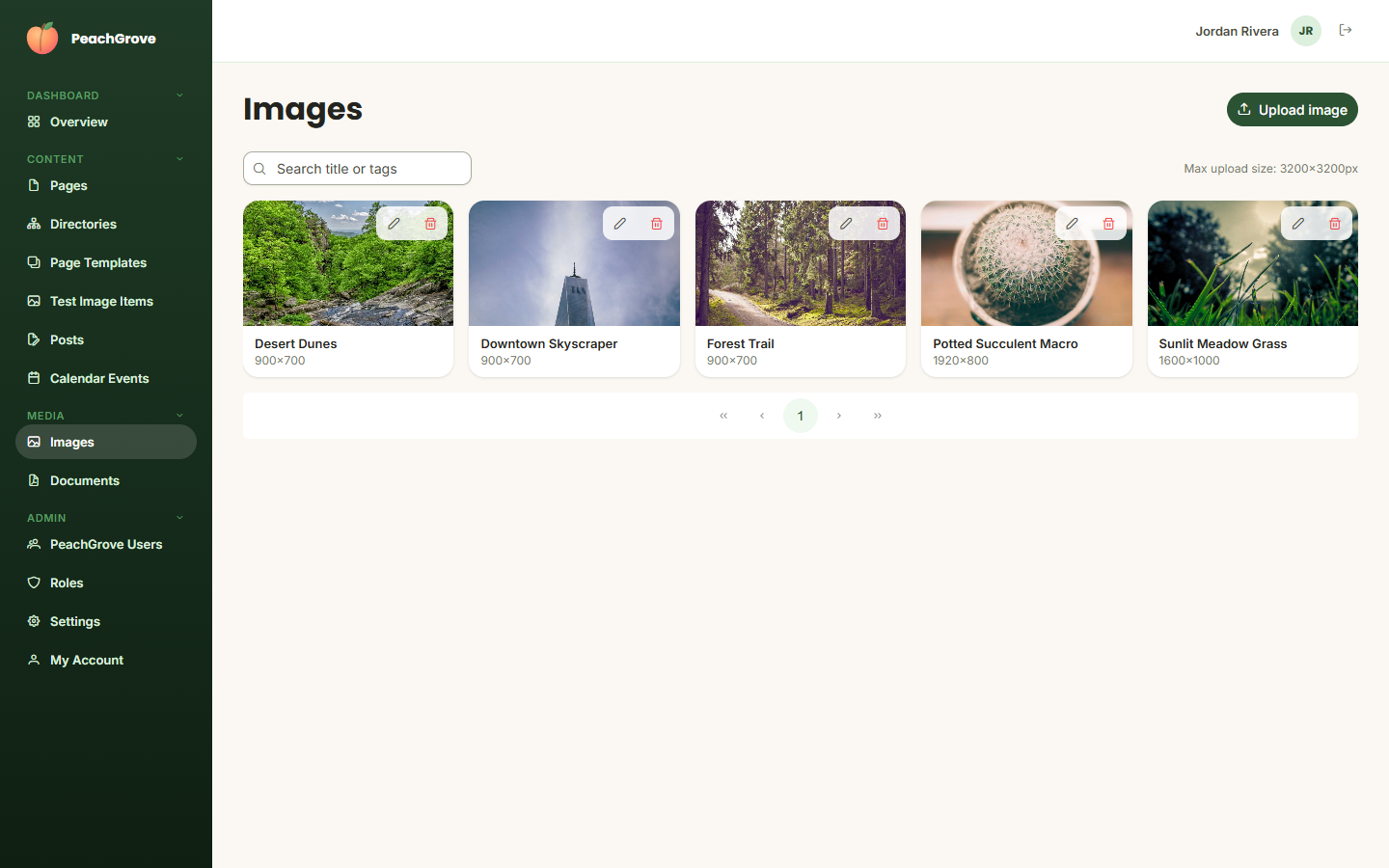
Click Upload image to add a new one: choose a file, give it a title, optionally set a default anchor location (used when the image needs to be cropped to fit a space) and tags. Existing images can be edited (title, anchor, tags) or deleted from the same screen. Use the search box to find an image by title or tag.
When adding an image to a page via the Visual Editor, you'll pick from this same library — or upload a new one on the spot — without needing to leave the page you're editing.
Documents
Documents works the same way for downloadable files (PDFs, spreadsheets, etc.) that you want to link to from the site.
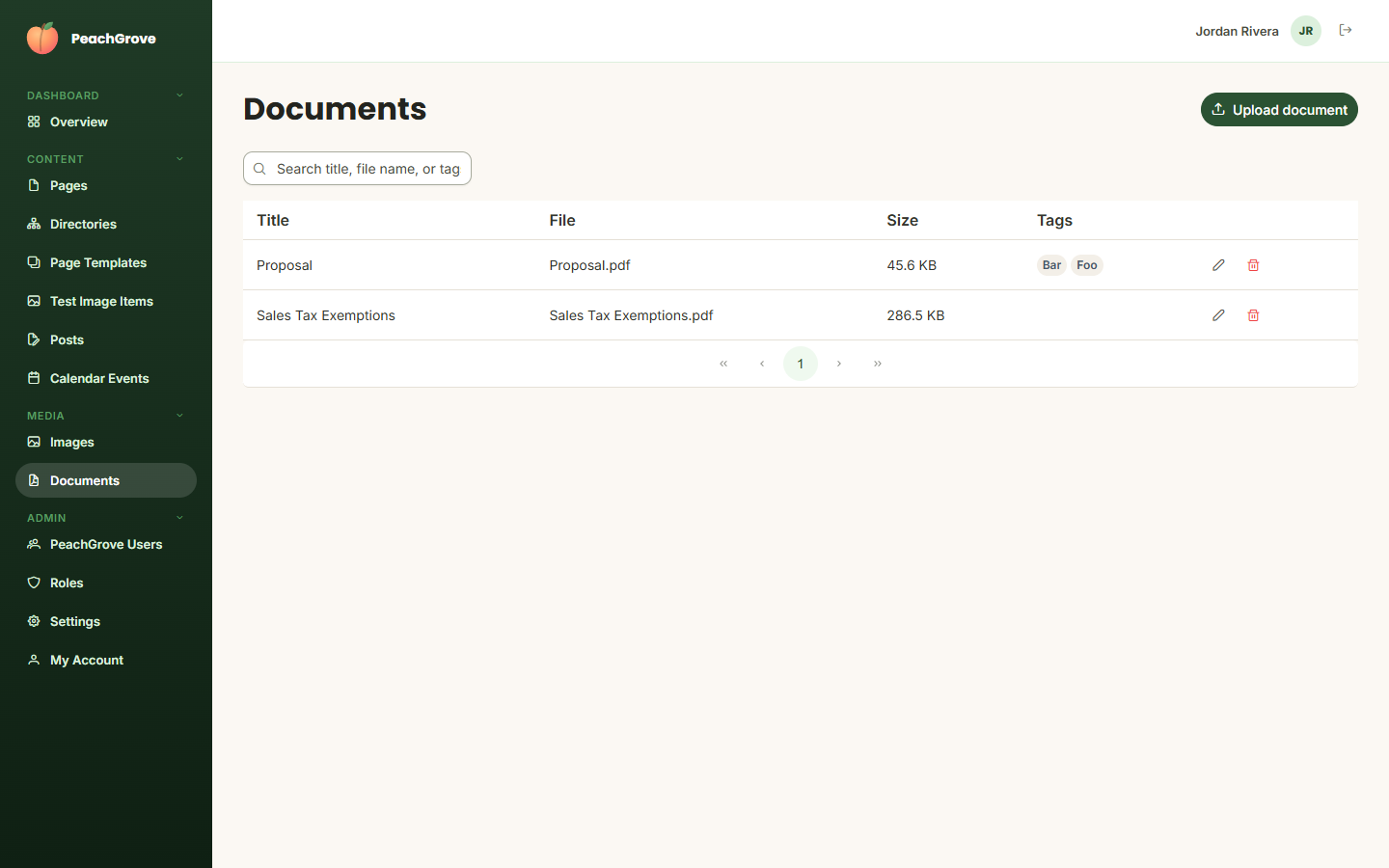
Click Upload document to add a file with a title and optional tags. Documents can be linked to from page content the same way images can, using the Document block.