Appearance
Managing Pages
Pages list
Pages shows every page on the site: its title, URL, publish status, publish date, and when it was created. Each row has quick actions on the right — open the live page, view version history, edit page settings, unpublish, duplicate, and delete.
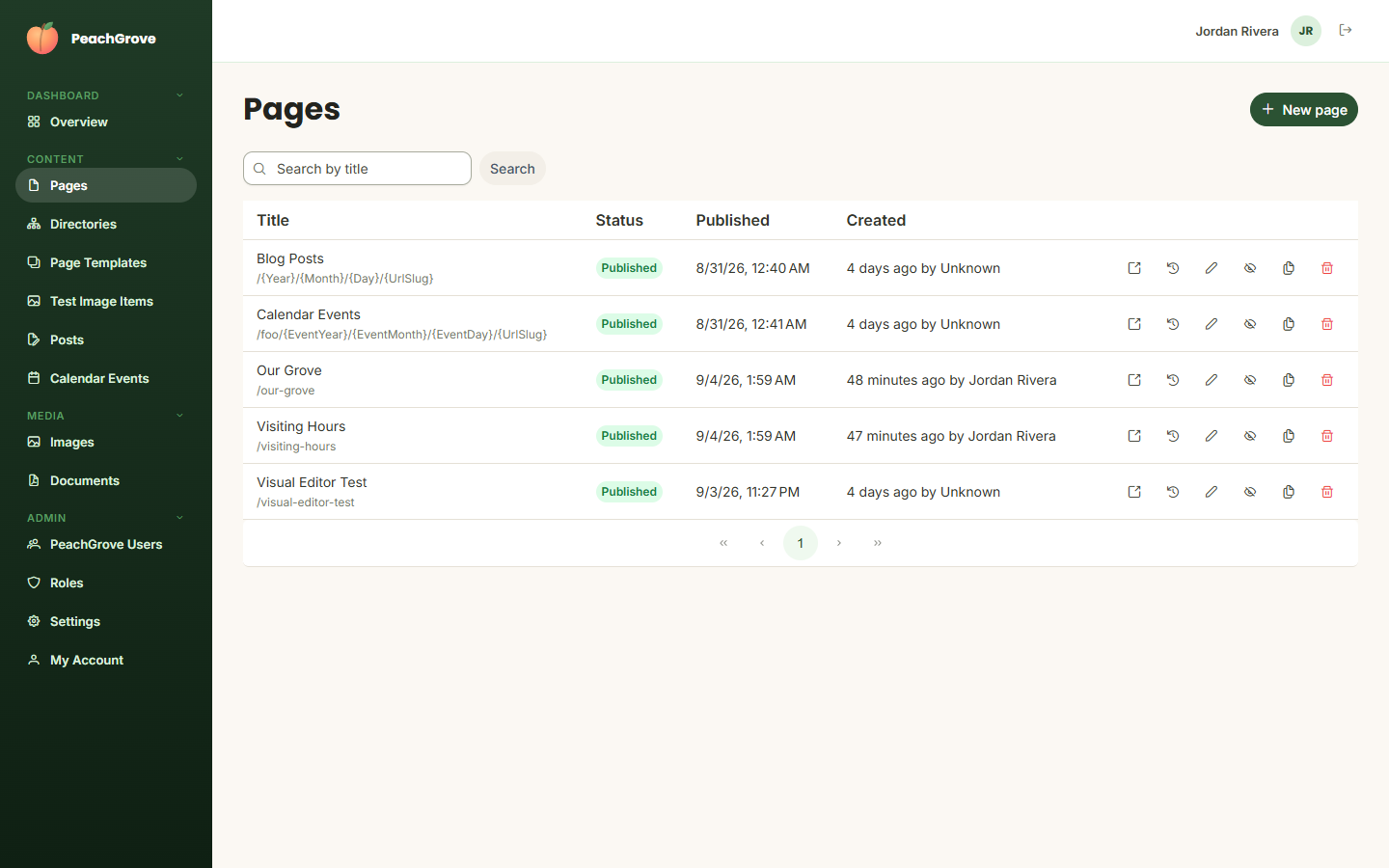
Click New page to create one — you'll choose a title, a directory, and a page template, and optionally publish it immediately. This dialog only sets the page's title, URL, and metadata — it does not set the page's actual content (its blocks). For that, click the pencil (edit) icon on the page's row, then Open in Visual Editor in the dialog that opens; see Getting there in the Visual Editor guide for the full walkthrough.
Some entries in this list — like "Blog Posts" or "Calendar Events" — represent a directory that lists a custom entity type's items rather than a single hand-authored page; their URL contains placeholder segments like {Year}/{Month}/{Day}/{UrlSlug}. See Custom Entities.
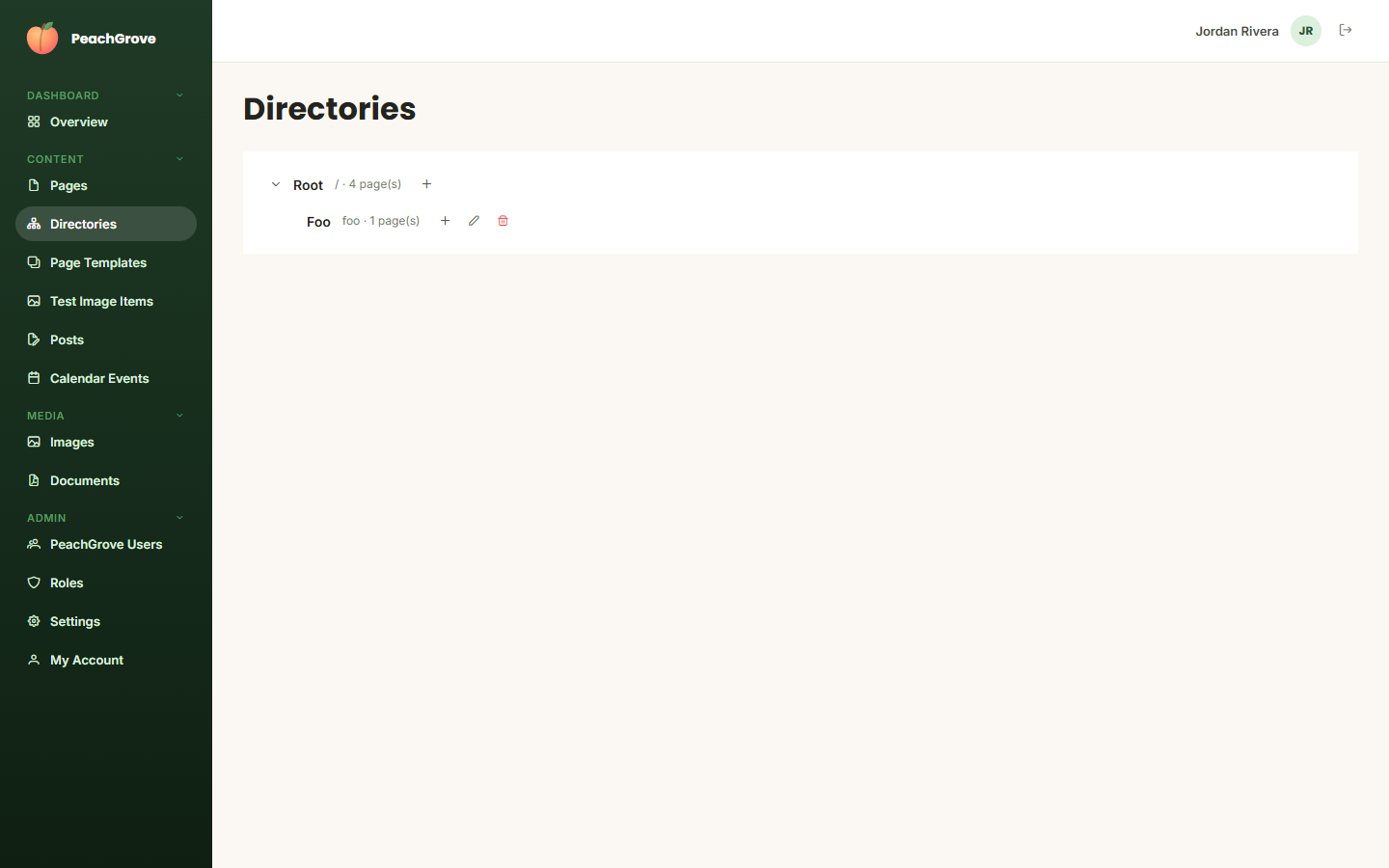
Directories
Directories shows the site's page directory tree — the folder-like structure pages live under, which determines the base of their URL path. Use it to see how the site is organized, and to create new directories to nest pages under.