
Appearance
My Account
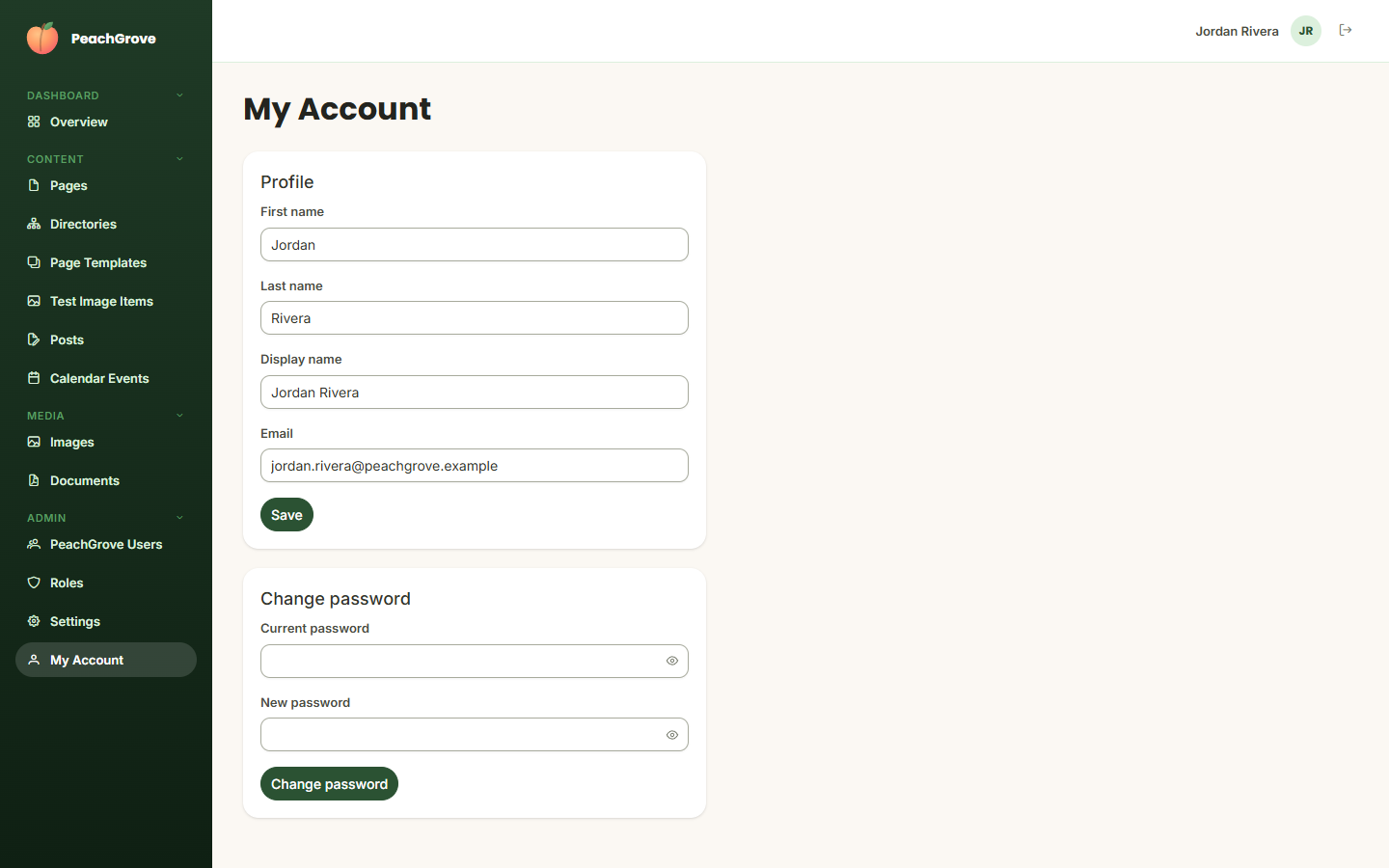
My Account is where you manage your own profile — separate from the Users list, which is for managing other accounts.
Profile
Update your first name, last name, display name (shown in the top-right corner of the admin panel), and email address, then click Save.
Change password
Enter your current password and a new password, then click Change password. You'll need to know your current password to do this — if you've forgotten it entirely, sign out and use Forgot password? on the sign-in screen instead (see Getting Started).