
Appearance
Dashboard Overview
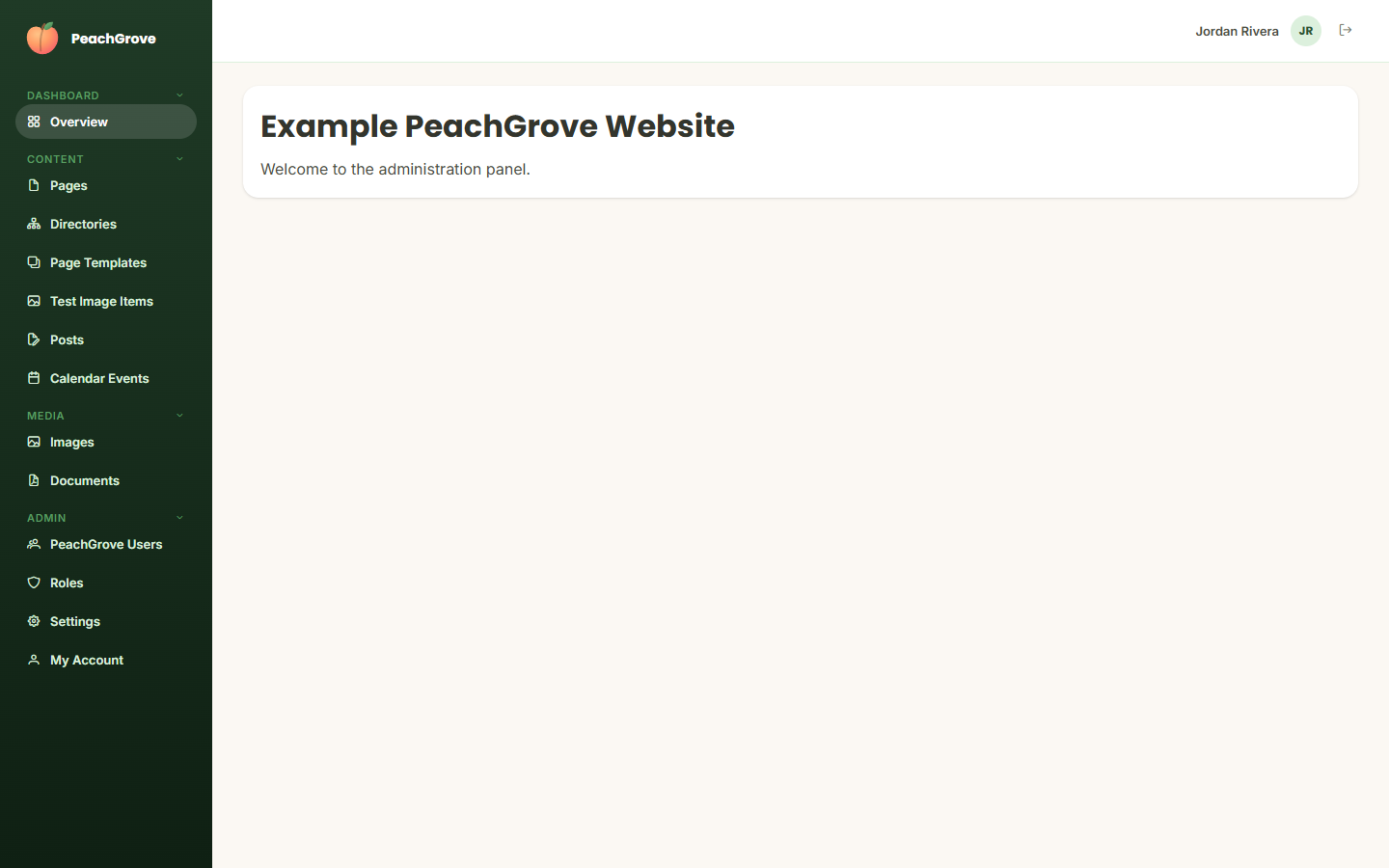
After signing in, you land on the Overview page — a short welcome message for the site you're managing. This is mainly a landing point; day-to-day work happens in the sections listed in the sidebar.
Navigation
The sidebar on the left is organized into groups:
- Dashboard — Overview (this page)
- Content — Pages, Directories, Page Templates, and one entry per custom entity type your site has configured (e.g. "Calendar Events")
- Media — Images, Documents
- Admin — Users, Roles, Settings, My Account
Your account name and avatar appear in the top-right corner, with a sign-out button next to them.