
Appearance
Users & Roles
Users
PeachGrove Users lists everyone with access to this admin panel: name, username/email, role, active status, and last sign-in time.
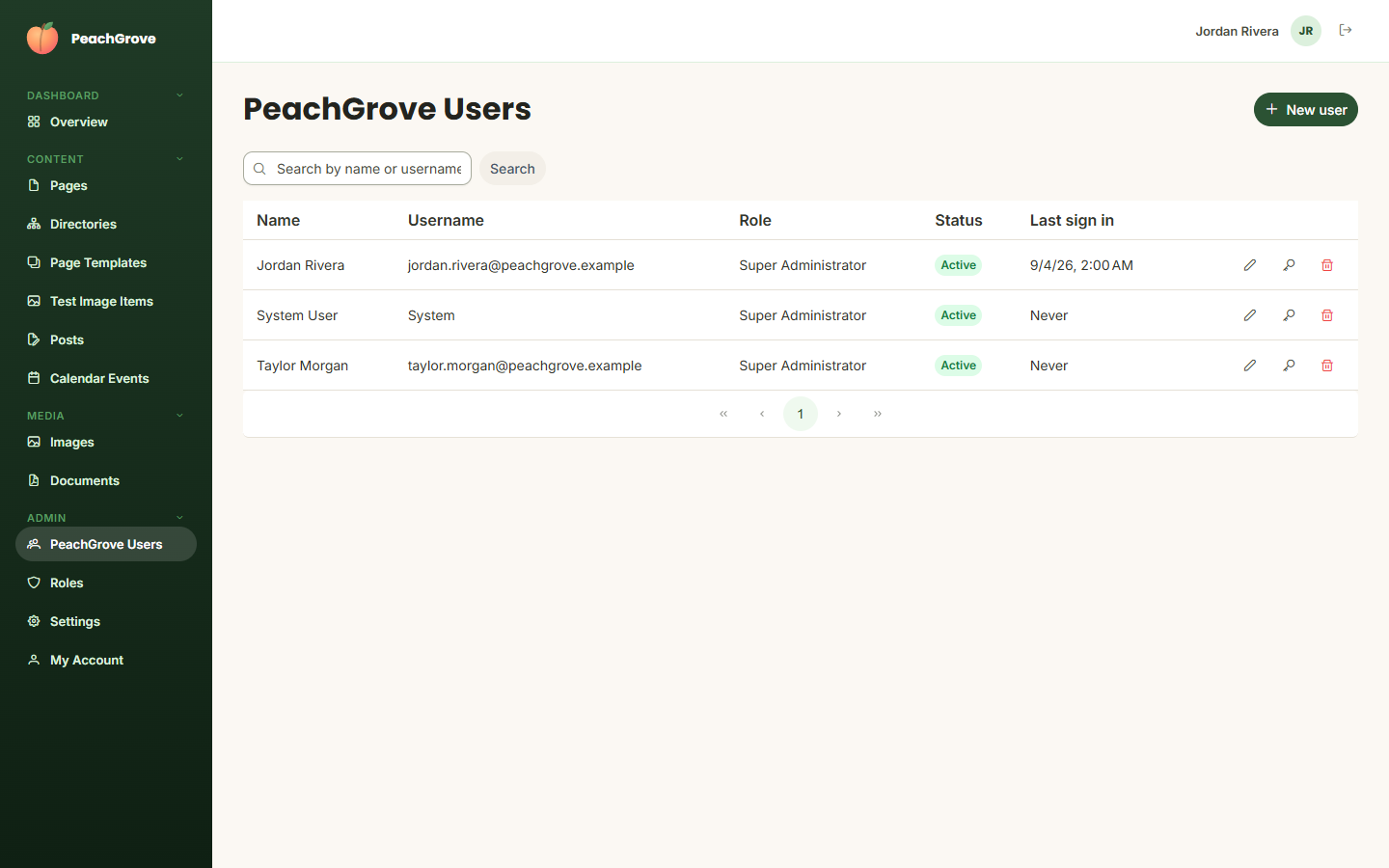
Actions per row (left to right): edit the user, send them a password reset, and delete the account.
Click New user to invite someone. You'll set their name, email, and role, and choose whether they must change their password on first sign-in and whether their account is already verified. If your site has more than one user area (for example, separate admin and customer accounts), each area gets its own entry in the sidebar and its own user list.
Roles
Roles defines the permission sets assigned to users — what each role is allowed to see and do in the admin panel. Each role belongs to a specific user area.
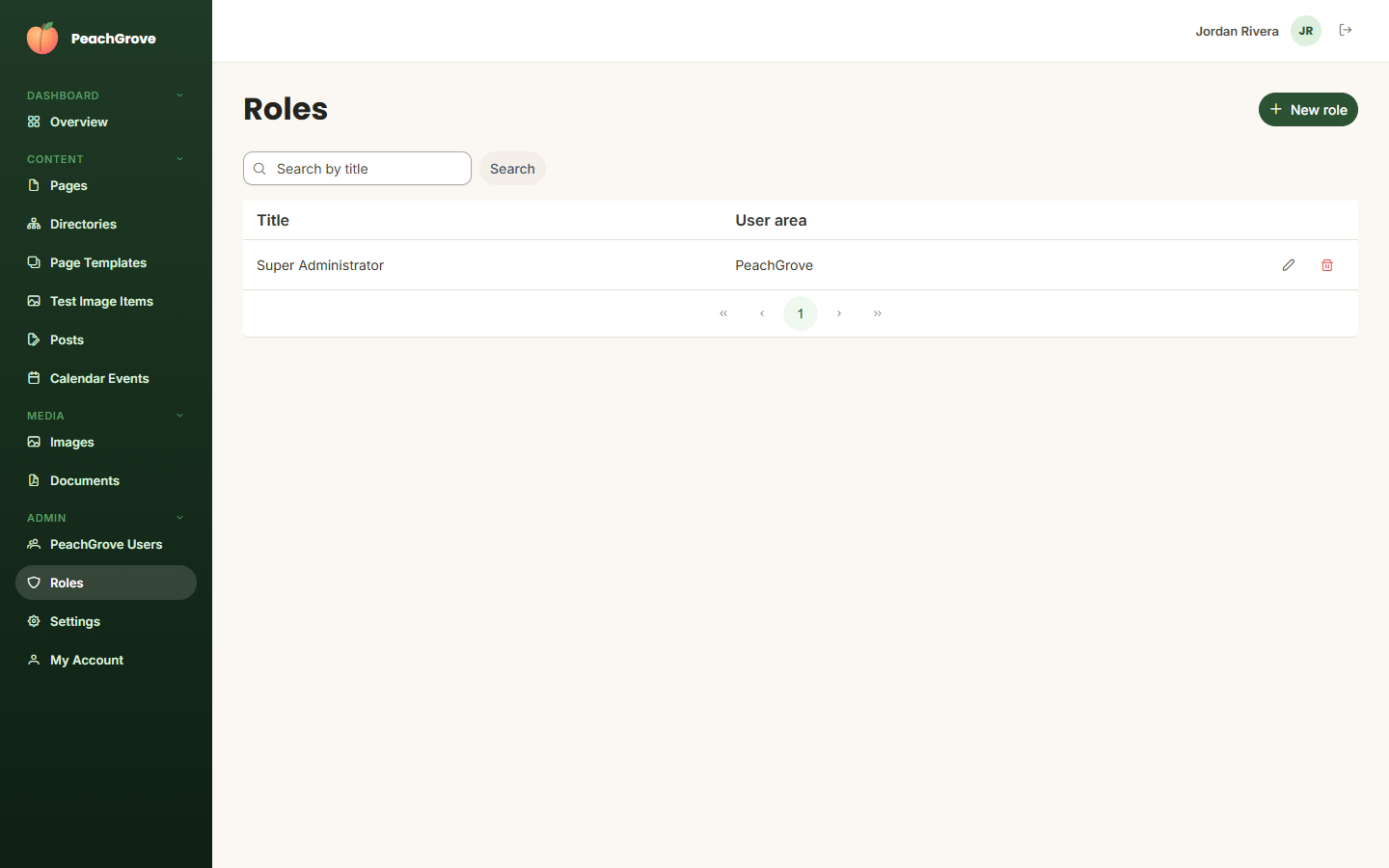
Click New role to create one, or the pencil icon to edit an existing role's permissions. Be careful editing or removing a role that's currently assigned to users — their access changes immediately.